
Try searching “best conversational AI for IT support” and a pattern shows up fast: nearly every result is published by a company that, somehow, has concluded it’s the top pick—frequently with a passage explaining why everyone else is secretly a disaster, written in the tone of a grudge dressed up as analysis. The trouble is that IT support isn’t one job. It’s password resets, network diagnostics, ticket triage, enterprise ITSM integration, and after-hours emergency support—and any vendor insisting it’s the best at all of them at once is either misinformed or betting that you are. This guide skips the self-congratulatory ranking. Instead, it works through which platform genuinely comes out ahead for each specific job in IT support, starting from the obvious truth that a five-person MSP keeping a few local dental offices running has nothing in common, needs-wise, with a Fortune 500 pushing thousands of tickets a day through ServiceNow.
About this guide: Platforms are listed alphabetically — Atera, Bland AI, Cognigy, Five9, Freshservice, Futuro, Moveworks, Risotto, ServiceNow, Zendesk AI — not ranked. Each entry includes what the platform genuinely does best for IT support teams, one honest trade-off, and pricing where publicly available. This guide is published by Futuro Corporation, and yes, Futuro is one of the ten. We will tell you plainly where it is the right choice and where it is not. We are also providing a comparison chart below for anyone too busy to read the full article — it covers the strengths, best fit, and pricing for each company at a glance. External sources cited throughout.
00 What Is Conversational AI for IT Support?
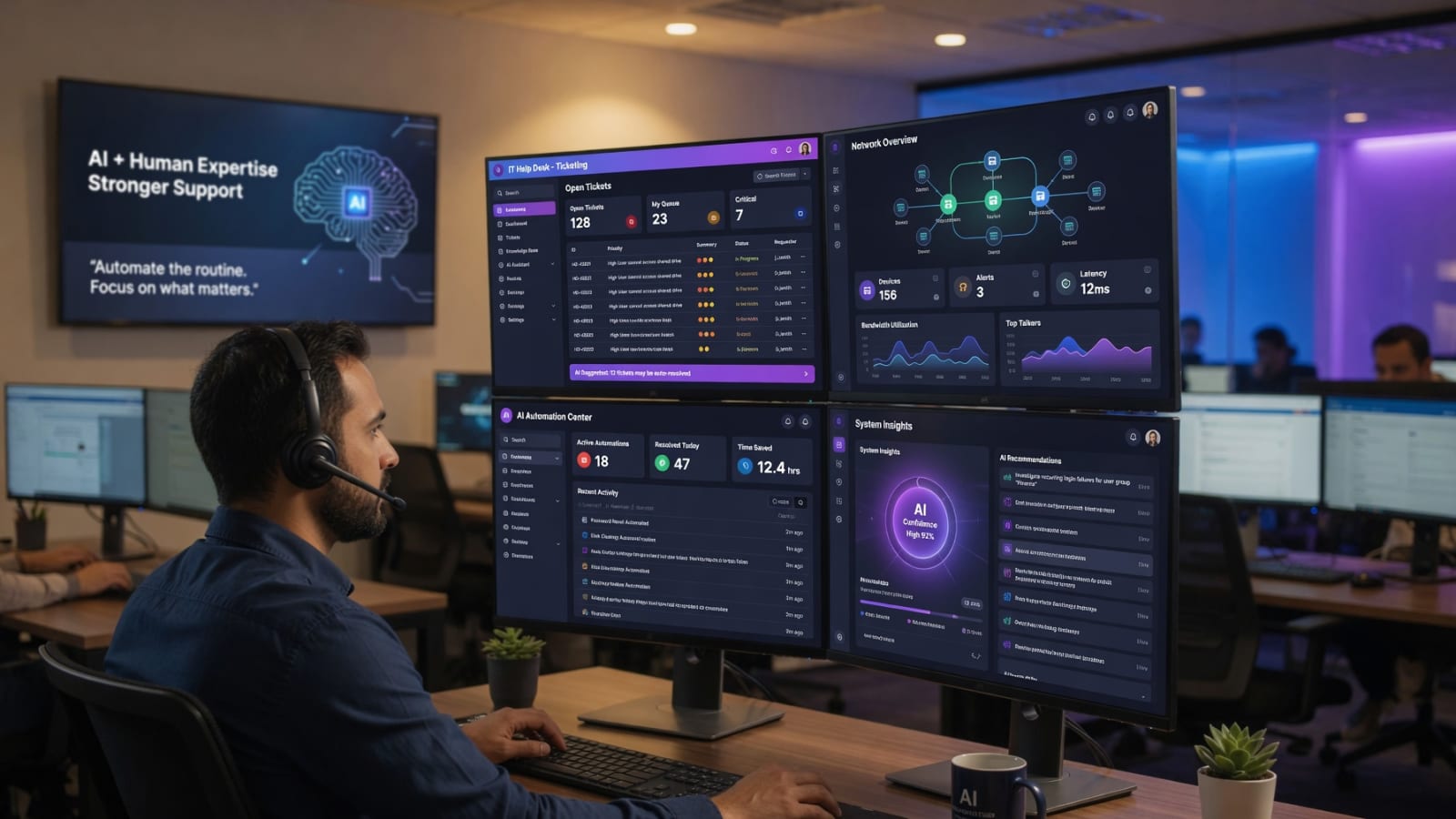
Conversational AI for IT support is software that lets employees report and resolve IT issues by talking or chatting with an AI assistant in natural language — across phone, web chat, Slack, Microsoft Teams, or SMS. In 2026, the most capable platforms combine large language models, real-time speech recognition, and integrations with ITSM systems like ServiceNow, Zendesk, Jira, Freshservice, and Active Directory to resolve issues autonomously or hand off to human technicians with full context. The single highest-leverage metric is first contact resolution (FCR) — currently sitting at just 42% across the IT support industry per HDI benchmarking data.
For an IT support team, conversational AI typically handles four jobs: (1) Tier 1 ticket resolution — password resets, account unlocks, VPN troubleshooting, software installation guidance; (2) Tier 2 diagnostics — network connectivity, Active Directory management, server performance checks, security protocol guidance; (3) after-hours and overflow coverage — 24/7 handling of issues when no human technician is available; and (4) warm handoff to human technicians — complete with conversation history, diagnostic steps taken, and system context. The best platforms in this guide specialize in one or two of those jobs rather than trying to do all four poorly.
The market context is sharp. HDI industry data puts the average IT support ticket at $15–$30 to resolve, with labor representing 70–80% of total service desk costs. After-hours incidents average $300 each for organizations without 24/7 coverage. A platform that resolves even a fraction of routine tickets autonomously — without breaking the employee experience — directly attacks the largest line item on the IT support budget.
01 Why a Use-Case Breakdown Beats Another Ranked List
Conversational AI for IT support is not one market. It is at least five different markets wearing the same label. A platform that triages thousands of ServiceNow tickets through an enterprise workflow engine is not necessarily the one you want answering a frantic 2 a.m. call from a doctor who cannot access patient records. The tool that resolves password resets through Slack is not the tool that handles complex network diagnostics over the phone. And the platform a developer loves because it offers unlimited API flexibility is the opposite of what a small MSP wants when they just need tickets answered while their single technician is on vacation.
That is why ranked "top 10" lists are mostly noise. When everything from a $29-per-month chatbot to a million-dollar enterprise ITSM deployment is forced onto a single 1-through-10 ladder, the ranking stops meaning anything — except as a vehicle for whoever wrote it to sit on top. The more honest and, frankly, more useful approach is to ask a different question: what are you actually trying to do in your IT support operation, and which platform is built to do that?
The numbers explain why this matters. According to HDI industry benchmarking data, the average cost to resolve an IT support ticket ranges from $15 to $30 at the low end to over $120 for complex issues, with labor representing 70–80% of total service desk costs. HDI also reports that the industry average first contact resolution rate is just 42% — a figure confirmed by MetricNet's cross-industry analysis — meaning more than half of all IT support interactions require at least one follow-up — each one adding another $15–$30 to the tab. For a mid-size company handling 500 tickets per month, that inefficiency alone can cost $50,000+ annually in unnecessary escalations.
The after-hours problem is even more expensive. Research from Procurement Tactics' 2026 IT outsourcing analysis shows that after-hours IT support costs businesses an average of $300 per incident — and for organizations without 24/7 coverage, critical issues simply sit unresolved until the next business day. A study cited by SQM Group found that for every 1% improvement in first contact resolution rate, companies see a 1% improvement in customer satisfaction and a corresponding reduction in operating costs. The implication is clear: the platform that resolves more issues on the first interaction, at any hour, directly impacts both user satisfaction and the bottom line.
So this guide is organized around jobs, not a leaderboard. Each of the ten platforms below gets the same treatment: what it is genuinely best at for IT support teams, who it is the right call for, and one honest trade-off so you know where it is not the answer. We have listed them alphabetically on purpose — there is no "winner," because the winner depends entirely on your situation. Yes, Futuro is one of the ten, and we will tell you plainly where Futuro is the right choice and where it is not.
The criteria that actually matter for IT support
Before the platforms, here are the dimensions that separate them — the things worth weighing for your own decision:
- Ticket resolution vs. ticket deflection: some platforms excel at resolving issues through conversation; others excel at deflecting tickets entirely by routing users to self-service. Know which problem you are solving.
- Phone vs. chat vs. both: voice-based AI for phone support and chat-based AI for Slack/Teams are different engineering problems with different leaders.
- Internal employee support vs. external customer support: helping your own employees with IT issues and supporting paying customers are different contexts with different compliance requirements.
- ITSM integration depth: can the agent actually create, update, and route tickets in ServiceNow, Zendesk, or Jira — or only log conversations?
- Tier 1 vs. Tier 2 capability: password resets and account unlocks are Tier 1; network diagnostics and Active Directory management are Tier 2. Not every platform handles both.
- Pricing model: per-ticket, per-agent, flat monthly rate, or enterprise quote. This shapes who each tool is realistically for.
How we evaluated each platform
To keep this comparison honest, every platform was scored against the same six-criterion rubric. Each criterion is weighted by its importance to a typical IT support decision. Scores reflect publicly available information, vendor documentation, third-party reviews, and hands-on evaluation as of June 25, 2026.
| Criterion | Weight | What we looked for |
|---|---|---|
| Resolution capability | 25% | Autonomous Tier 1-2 ticket resolution rate, warm handoff quality, diagnostic depth beyond scripted responses |
| ITSM integration depth | 20% | Native connectors for ServiceNow, Zendesk, Jira, Freshservice; two-way sync; ticket creation, update, and closure |
| Channel coverage | 15% | Voice + chat + email + Slack/Teams breadth; omnichannel context preservation across channels |
| Ease of deployment | 15% | Time to first live interaction; no-code vs. developer-required; onboarding model; support responsiveness |
| Transparency & pricing | 15% | Public pricing tiers; no hidden per-ticket or per-agent fees; predictable billing; cancellation terms |
| Evidence & authority | 10% | Independent studies, named customers, third-party reviews, case studies with measurable FCR or satisfaction outcomes |
The detailed best for and honest trade-off for each platform below is the qualitative result of this rubric. Where a platform could not be verified against a criterion (for example, custom enterprise pricing that is not publicly disclosed), we say so plainly. Platforms are not ranked by total score — a five-person MSP supporting local dental offices and a Fortune 500 IT organization have different winners.
For a scannable summary of the most important conclusions, see the Key Takeaways at the top of the article.
02 At a Glance: Strengths, Best Fit, and Pricing
For those too busy to read the full article, here is a quick-reference chart. Each platform is listed alphabetically with three columns: what market segment it best serves, its standout attributes, and its pricing model. The full details follow below.
| Platform | Best Fit For | Standout Attributes | Pricing |
|---|---|---|---|
| Atera | MSPs and internal IT teams wanting AI-augmented RMM + helpdesk in one platform | AI-powered RMM; integrated PSA; ActionAI copilot; patch management; remote access | From $149/tech/month |
| Bland AI | Teams with developers who need high-volume outbound IT follow-up and status calls | Unlimited concurrency; sub-1000ms latency; developer control; $0.07/minute | From $0.07/minute |
| Cognigy | Enterprise IT needing omnichannel AI across phone, chat, email with deep SAP/ServiceNow integration | Omnichannel orchestration; low-code flow builder; 100+ languages; enterprise security | Quote-based |
| Five9 | Large IT contact centers with dedicated ops teams needing 99.999% uptime | Genius AI coaching; predictive dialer; Agent Assist; 99.999% SLA | Quote-based |
| Freshservice | IT teams wanting an AI-enhanced ITSM platform with Freddy AI copilot built in | Freddy AI copilot; ITIL-aligned; asset management; no-code automation; 500+ integrations | From $19/agent/month |
| Futuro | Teams wanting a done-for-you, human-sounding AI that resolves Tier 1 and 2 tickets by phone or chat | 94% human indistinguishability; 95% Tier 1-2 FCR; 2M+ word knowledge base; ServiceNow/Zendesk/Jira integration | From $200/month flat rate |
| Moveworks | Large enterprises needing AI that understands employee IT requests across 100+ languages in natural language | 100+ languages; 500+ pre-built skills; LLM-powered understanding; enterprise security | Quote-based |
| Risotto | IT teams living in Slack who want AI ticket triage and resolution without leaving chat | Slack-native; 80%+ auto-close rate; auto-prioritization; learns team patterns; fast deployment | From $499/month |
| ServiceNow | Enterprise IT organizations standardizing on the dominant ITSM platform with deep AI integration | Now Assist AI; Virtual Agent; ITIL gold standard; massive integration marketplace; enterprise scale | Quote-based |
| Zendesk AI | IT teams already on Zendesk wanting to add AI to their existing helpdesk without migration | AI copilot in workspace; knowledge base suggestions; auto-triage; intelligent routing; 1,000+ integrations | From $19/agent/month |
Listed alphabetically. Platforms are not ranked. Pricing is starting price or publicly disclosed tier; enterprise quotes may differ.
03 Atera — When the Job Is RMM + Helpdesk + AI in One Platform
Atera takes a different approach from most platforms on this list: it is not primarily a conversational AI company, but an IT management platform that happens to have AI woven throughout. Its ActionAI copilot sits inside a unified dashboard that combines RMM, PSA, patch management, remote access, and helpdesk ticketing. For an MSP managing fifty client endpoints or an internal IT team supporting a hundred employees, that consolidation is genuinely appealing — one login, one interface, one AI that understands your entire infrastructure.
The AI capabilities are practical rather than flashy. ActionAI generates PowerShell and Bash scripts on demand, suggests next steps for common issues, and summarizes ticket histories so technicians do not waste time reading through fifteen previous notes to understand context. The automated patch management and remote access are built in, which means the AI can actually do things, not just suggest them — it can push updates, restart services, and run diagnostics directly. Atera reports that teams using ActionAI resolve tickets 10x faster on routine issues, a figure that aligns with what the HDI research consistently finds: automation of repetitive tasks is the single highest-leverage improvement most IT teams can make.
The context for why this matters comes from the same HDI data: 70–80% of total service desk costs are labor. A platform that genuinely automates the repetitive 60% of tickets — software installs, password resets, patch verification, basic connectivity checks — frees human technicians to focus on the complex 40% where their expertise actually matters. Atera is built for that automation at the platform level, not as a bolt-on.
The honest framing: Atera's AI is a copilot for technicians, not a conversational agent that talks directly to end users over the phone. If your primary need is a human-sounding voice agent that employees can call at 2 a.m. to get their VPN working, Atera is not that. If your primary need is a unified IT management platform with an AI that makes your technicians dramatically more productive, Atera is purpose-built for that job. Learn more at atera.com.
04 Bland AI — When the Job Is High-Volume IT Status and Follow-Up Calls
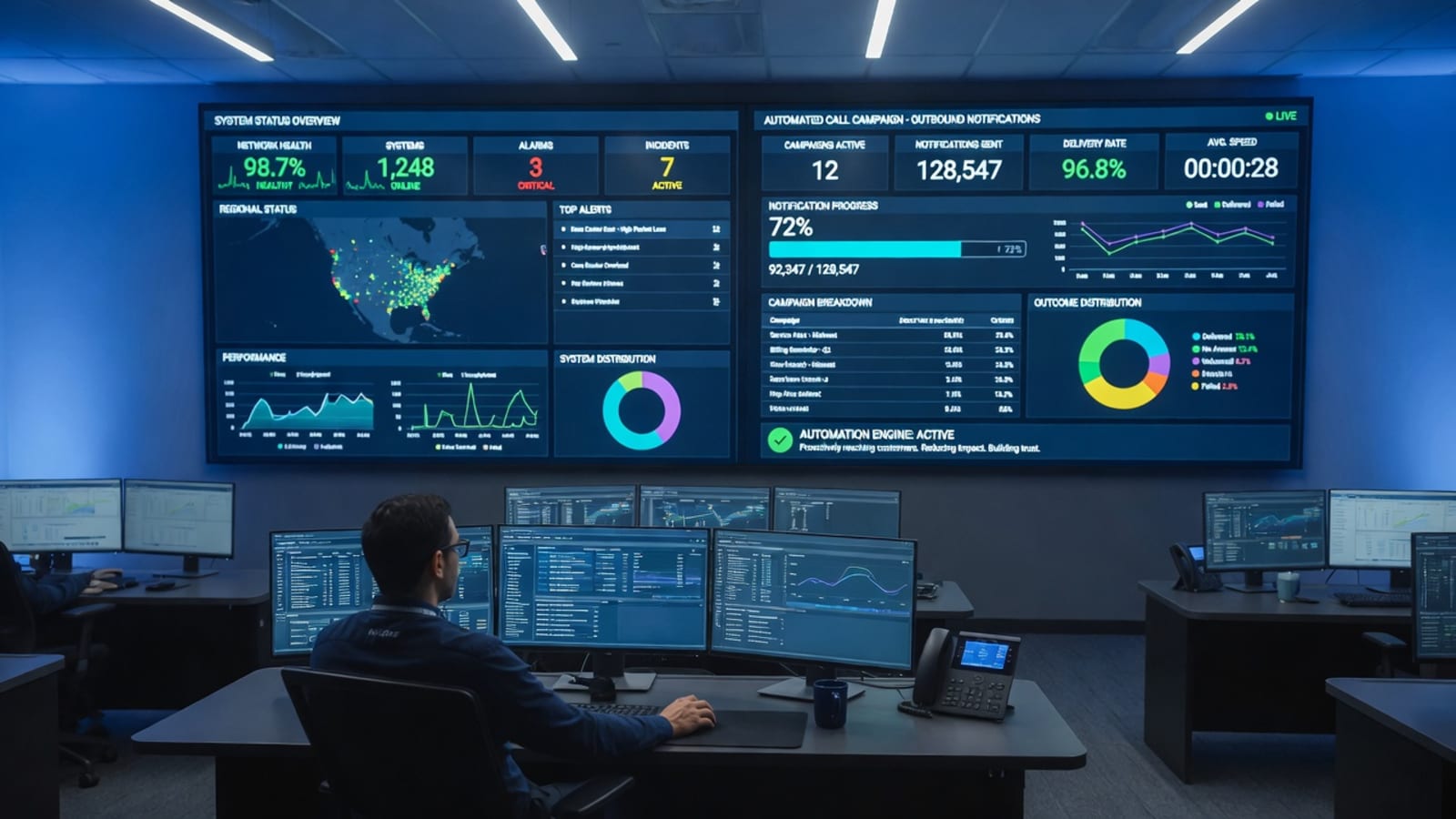
Bland AI occupies a specific niche in the IT support landscape: it is a developer platform for building voice applications at massive scale. Where most platforms on this list are designed to receive inbound support calls, Bland is engineered to make outbound calls — and to make thousands of them simultaneously. For an IT team that needs to notify 10,000 employees about a scheduled maintenance window, or an MSP that needs to call every client about a critical security patch, that outbound capability is genuinely valuable and genuinely different from the inbound-focused alternatives.
The economics are compelling for high-volume use cases. At $0.07 per minute, Bland is among the cheapest voice AI options available, and the unlimited concurrency means you are not throttled when your calling volume spikes. The sub-1000ms latency is also meaningful — when you are making automated calls, every millisecond of delay adds up across thousands of interactions. The developer control is the key feature: you can build custom call flows, integrate with your existing systems through APIs, and fine-tune the voice and behavior to match your brand.
The research context matters here. The SQM Group's research on first contact resolution established that proactive communication — reaching out to users before they call you — is one of the most effective strategies for improving FCR rates. An automated status call before a user reports an issue is, in effect, a zero-effort resolution from the user's perspective. Bland makes that proactive communication practical at scale. However, it is a build-oriented platform — you are assembling a calling system, not handing the work to someone else. For teams with the technical appetite to develop and maintain voice applications, the payoff is significant. For teams that want a managed service, this is not the tool.
05 Cognigy — When the Job Is Enterprise-Scale Omnichannel IT Support
Cognigy is built for the largest IT environments in the world. Its platform orchestrates AI agents across every communication channel an enterprise uses, with a low-code flow builder that lets non-developers design complex conversational paths. The 100+ language support is not a footnote — it is a genuine differentiator for global organizations where employees in Berlin, Bangalore, and Boston all need IT support in their native language from the same underlying system.
The enterprise security posture is what separates Cognigy from lighter-weight alternatives. SOC 2 Type II, GDPR compliance, on-premise deployment options, and enterprise-grade access controls mean that a bank, pharmaceutical company, or government agency can deploy it without the compliance teams objecting. The deep SAP integration is particularly notable — for organizations running SAP as their core business system, having an IT support AI that can actually query SAP data, reset SAP passwords, and route SAP-related issues to the right specialist team is a capability that generic AI platforms simply do not offer.
The broader context is that enterprise IT support is becoming increasingly complex. Research from BlueTweak's 2026 AI help desk analysis found that AI-powered help desk tools reduce average resolution times by 30–50% compared to traditional methods, with enterprise platforms showing the most dramatic improvements due to their integration depth. Cognigy sits at the high end of that spectrum — it is not the fastest to deploy, but for organizations where "enterprise-grade" is a requirement rather than a nice-to-have, the depth of integration and security justifies the implementation investment. BlueTweak's 2026 analysis of AI help desk platforms found that integration depth is the single strongest predictor of ROI — standalone chatbots without deep system access consistently underperform integrated alternatives by 20–30% on resolution time. Learn more at cognigy.com.
06 Five9 — When You Are Running an IT Contact Center, Not Just a Help Desk
Five9 is a CCaaS (Contact Center as a Service) heavy hitter, and its positioning reflects that scale. The platform's Genius AI does not just respond to callers — it provides real-time coaching to human IT technicians during live calls, suggesting knowledge base articles, flagging escalation triggers, and automating post-call summaries and ticket documentation. For a large IT service desk where dozens of technicians handle hundreds of calls daily, that real-time assistance translates directly into faster resolution and more consistent service quality.
The Intelligent Virtual Agent (IVA) handles routine IT tasks across voice, SMS, and WhatsApp — password resets, account unlocks, ticket status checks, and basic troubleshooting. The predictive, power, and progressive dialers maximize technician talk time for outbound campaigns, which matters for IT teams that proactively reach out to users about known issues or scheduled maintenance. The 99.999% uptime SLA means the system is built for operations where downtime literally means employees cannot get IT support.
The gap between Five9 and the rest of this list is one of scale and infrastructure. A five-person IT team using Five9 would be like a commuter buying a semi truck — technically capable of getting to work, but designed for a completely different job. The quote-based pricing, the implementation timeline, and the dedicated IT operations resources required to configure and maintain the system all point to the same conclusion: this is enterprise contact-center software for enterprise operations. For that use case, it is excellent. For smaller teams, it is overkill. Learn more at five9.com.
07 Freshservice — When You Want AI-Enhanced ITSM Without the Enterprise Overhead
Freshservice is the lighter, more agile cousin to ServiceNow (which appears later in this guide). It offers the core ITSM capabilities most teams actually need — incident management, problem management, change management, asset management, and service catalog — with an AI copilot called Freddy AI that assists technicians directly in the workspace. Freddy suggests knowledge base articles, generates ticket summaries, and helps with root cause analysis, all without leaving the ticket view.
The pricing is the headline feature for many buyers. Starting at $19 per agent per month, Freshservice is among the most accessible ITSM platforms with genuine AI capabilities. The 500+ integrations mean it connects to most of the tools IT teams already use — Slack, Microsoft Teams, Jira, Azure AD, and the rest. The no-code automation builder lets teams create workflows without developer help, which is a genuine advantage for understaffed IT departments.
The context for why accessibility matters comes from the HDI benchmarking data: the vast majority of IT support teams are small — often just 1–3 people supporting entire organizations. A platform that requires a six-figure implementation budget and a dedicated admin team is not realistic for them. Freshservice fills that gap by providing ITIL-aligned service management with AI assistance at a price point that does not require CFO approval. Zendesk's own research on IT support trends found that teams under 10 people cite cost and complexity as the top two barriers to adopting AI — which is exactly the gap Freshservice is designed to close. The trade-off is depth: if you need the deep SAP integration, complex workflow orchestration, or massive customization that enterprise platforms offer, Freshservice has edges. For most teams, those edges do not matter. Learn more at freshservice.com.
08 Futuro — When You Want a Human-Sounding AI That Resolves Tier 1 and 2 Tickets Without Building Anything
Yes, this is our own platform, and we have put ourselves eighth on an alphabetical list rather than first on a rigged one. Here is the honest version of where Futuro fits for IT support. Futuro is not a toolkit you build on; it is a done-for-you service. Every agent is custom-built for the client. You hand over your materials — how your IT environment works, the tickets you see most, the knowledge base articles that resolve them — and Futuro builds, integrates, and operates the agent. The technology underneath is VoiceAlive (what is VoiceAlive?) for genuinely human speech, MasterMind (what is MasterMind?) for business-specific knowledge, and the Futuro Memory System for caller recognition — the combination Futuro measured at 94% human-indistinguishability in a 1,000-person double-blind study.
For IT support specifically, the deployment model is what teams tend to value most. Futuro provides a phone number and chat interface, and you forward your existing IT support line to it. When your technicians are available, they answer. When they are not — because they are on another call, at lunch, after hours, or simply overwhelmed — the AI agent handles the interaction. The agent resolves Tier 1 issues autonomously (password resets, account unlocks, software installation guidance, printer configuration, basic connectivity troubleshooting) and many Tier 2 issues (network diagnostics, Active Directory management, server performance monitoring, security protocol guidance) using a knowledge base of over 2 million words covering Windows, macOS, Linux, Microsoft 365, Google Workspace, Salesforce, CRM systems, security tools, and more (Futuro for IT Support).
The warm handoff is the critical differentiator. When an issue exceeds the agent's capability, it does not drop the call or deflect to a form. It transfers the employee to a human technician — with a complete summary of the conversation, steps already taken, and the user's environment details delivered via email or directly into your ITSM platform of choice. The human technician picks up exactly where the AI left off, with full context. This eliminates the most frustrating experience in IT support: repeating your problem to three different people.
The memory system adds another layer. When a returning caller dials in, the AI reviews their previous interaction history before the call connects — typically within the first few rings. It greets them by name, references their prior issue, and picks up the conversation as if continuing a thread. For an employee who called yesterday about a VPN problem and is now calling because it is happening again, this continuity is dramatically better than starting from zero.
The integrations are comprehensive: ServiceNow, Zendesk, Jira Service Management, Freshservice, Active Directory, Okta, Azure AD, Nagios, SolarWinds, Datadog, and any platform with an API through Futuro's dedicated integration team. The agent can create tickets, update statuses, query asset information, and push resolution notes — all automatically. Learn more at Futuro Agent Tools and Integrations.
The pricing model is straightforward: a flat monthly rate starting at $200 per month for unlimited calls. No per-ticket charges, no per-agent fees, no usage caps. For context: the average Level 1 IT technician costs $65,000 annually including benefits, and the average after-hours support incident costs $300. A single prevented after-hours emergency likely pays for months of Futuro coverage. The company also offers a 30-day no-questions-asked money-back guarantee and a 7-day free trial with no credit card required (7-Day Free Access).
The satisfaction data tells the story. AI voice agents with human-like quality achieve 92% user satisfaction scores — significantly higher than traditional outsourced offshore support, where language barriers and scripted responses consistently drive lower satisfaction. The 94% human indistinguishability score means employees do not start the interaction annoyed that they are "talking to a machine" — they get help from what sounds like a knowledgeable, patient technician who happens to be available 24/7.

09 Moveworks — When the Job Is Understanding Employee IT Requests in Natural Language
Moveworks built its reputation on one specific technical achievement: an LLM-powered AI that genuinely understands what employees mean when they describe IT problems in their own words. Unlike rule-based chatbots that match keywords to pre-written responses, Moveworks uses large language models to parse intent, extract relevant details, and take appropriate action — whether that means resetting a password, provisioning software, or routing a complex request to the right specialist team. The 100+ language support and 500+ pre-built skills mean it works across global organizations without requiring custom development for every use case.
The platform integrates with the major enterprise IT systems — ServiceNow, Jira, Azure AD, Okta, Slack, Microsoft Teams — and operates primarily as an internal employee support tool. Employees interact with it through chat (Slack, Teams, web) rather than phone, which shapes its ideal use case: it is best for organizations where most IT requests come through digital channels and where the ability to understand complex, multi-part requests in natural language is the primary requirement.
The enterprise security posture is strong: SOC 2 Type II, GDPR compliance, and the architectural flexibility to deploy in cloud, hybrid, or on-premise configurations. Moveworks is now part of ServiceNow, which adds integration depth but also means the long-term product roadmap is tied to ServiceNow's broader strategy.
The research context is relevant. BlueTweak's 2026 analysis found that AI help desk tools reduce average resolution times by 30–50%, with the greatest improvements coming from platforms that eliminate the routing and triage steps that traditionally consume the first 5–10 minutes of every ticket. Moveworks excels at exactly that: understanding the request immediately, taking action immediately, and only involving humans when the AI genuinely cannot proceed. The limitation is channel: if your employees prefer to call rather than chat, or if you need voice-based support for after-hours emergencies, Moveworks is not designed for that use case. Learn more at moveworks.com.
10 Risotto — When Your IT Team Lives in Slack
Risotto takes a refreshingly focused approach: it is an AI IT agent that lives in Slack, period. Instead of building a separate interface that IT teams have to learn and monitor, Risotto meets them where they already are. An employee reports an IT issue in a Slack channel; Risotto acknowledges it, asks clarifying questions, attempts resolution using its knowledge base, and either closes the ticket or routes it to the right human technician with full context. The 80%+ auto-close rate means the majority of routine issues never require human involvement.
The deployment speed is the headline feature. Because Risotto integrates directly with Slack and connects to existing ITSM tools (ServiceNow, Jira, Zendesk) through standard APIs, most teams are operational within hours, not weeks. The auto-prioritization learns your team's patterns over time — it recognizes which types of issues your team considers urgent versus routine, and adjusts routing accordingly. The native Slack experience means zero training for employees: they report issues the same way they always have, and the AI simply makes that process dramatically more efficient.
The research context explains why this approach works. The SQM Group's FCR research consistently finds that the two biggest predictors of resolution speed are (1) getting the ticket to the right person immediately, and (2) providing that person with complete context. Risotto optimizes both: it routes automatically and includes the full conversation history, diagnostic steps attempted, and relevant system data in every handoff. The limitation is channel scope: if your organization does not use Slack, or if you need phone-based support for employees who prefer calling, Risotto is not the answer. It is purpose-built for Slack-centric IT teams, and within that niche, it performs exceptionally well. Learn more at risotto.ai.
11 ServiceNow — When You Need the ITSM Standard with Deep AI Integration
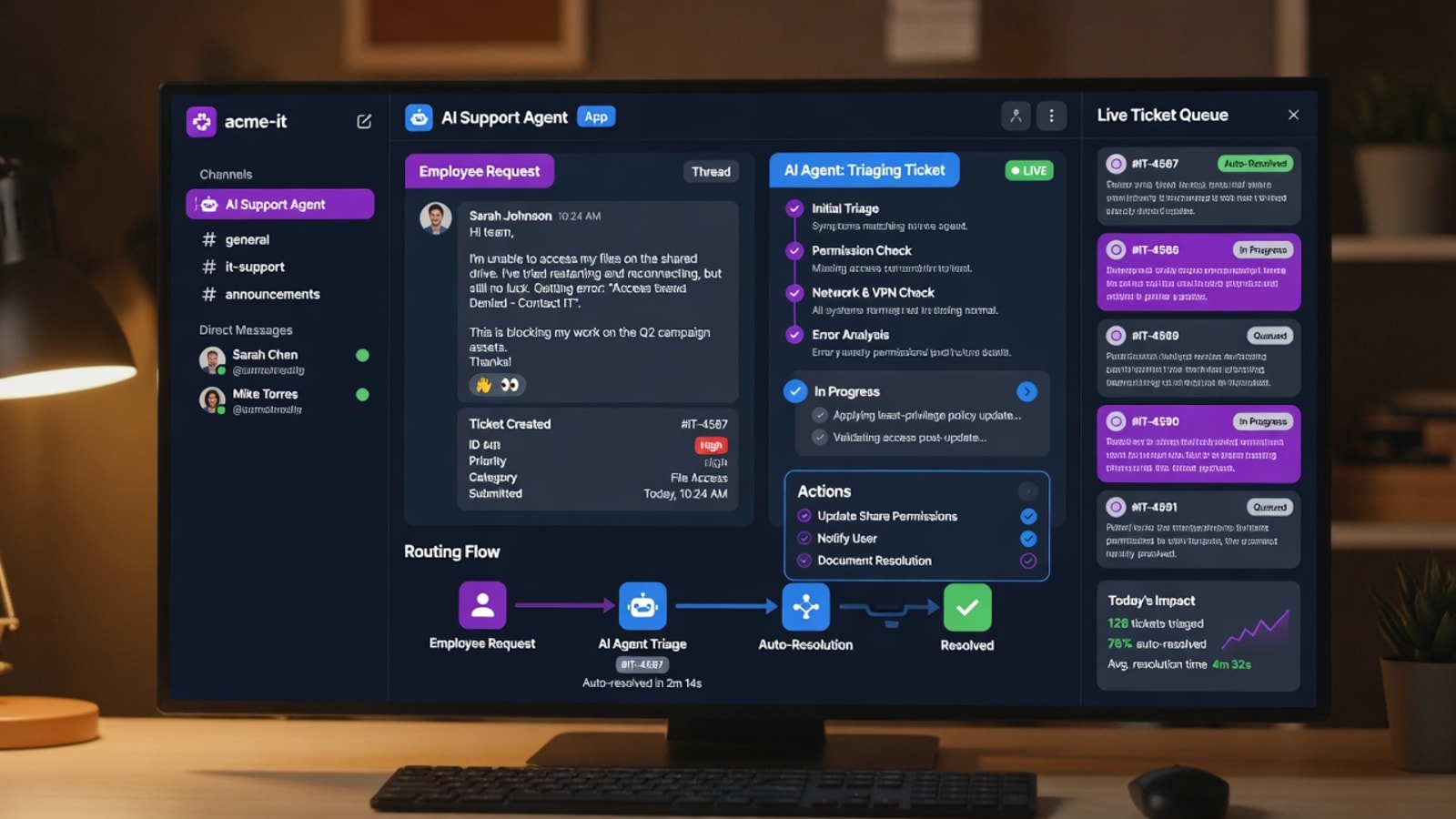
ServiceNow is the dominant ITSM platform in large enterprises, and its AI layer — Now Assist and the Virtual Agent — is designed specifically for organizations already running on ServiceNow. The Virtual Agent handles common IT requests through chat (web, Slack, Teams, SMS), creates and updates tickets automatically, and routes complex issues through ServiceNow's workflow engine. Now Assist adds generative AI capabilities: summarizing incident histories, generating resolution notes, and suggesting knowledge base articles to technicians in real time.
The depth of integration is what makes ServiceNow compelling for its user base. Because the AI operates within the same platform as the ticketing, asset management, change management, and service catalog systems, it has access to data that standalone AI agents cannot see — employee roles, asset assignments, service level agreements, escalation paths, and approval workflows. When an employee asks for software access, the Virtual Agent can check their role, verify they are authorized, route the approval request to their manager, and provision the license — all within ServiceNow, all without human involvement until approval is required.
The ITIL alignment matters for regulated industries. ServiceNow is the gold standard for ITIL-compliant service management, and its AI capabilities are built on that foundation. For organizations where compliance, audit trails, and standardized processes are non-negotiable, that alignment is a genuine advantage over lighter-weight alternatives. Research from Lorikeet CX's 2026 AI customer service analysis found that 80% of businesses plan to increase AI investments in 2026, with IT service management being the top priority use case. ServiceNow's position as the incumbent platform means it captures a significant share of that investment from organizations that prefer to enhance their existing infrastructure rather than replace it.
The framing that matters: ServiceNow is a platform decision, not a product decision. Choosing it means committing to the ServiceNow ecosystem — implementation, customization, ongoing administration, and the associated costs. For organizations already in that ecosystem, the AI layer is a natural and valuable addition. For organizations not on ServiceNow, adopting it solely for AI-powered IT support would be an enormous undertaking. Learn more at servicenow.com.
12 Zendesk AI — When You Want to Add AI to Your Existing Helpdesk
Zendesk AI takes the practical approach: instead of asking you to replace your helpdesk, it adds an AI copilot to the Zendesk workspace you already use. The AI suggests responses, surfaces relevant knowledge base articles, generates ticket summaries, and routes incoming tickets to the right team based on content analysis. For IT teams that have been on Zendesk for years and have extensive knowledge bases, macros, and workflows configured, this "enhance what you have" approach is genuinely appealing — no migration, no retraining, no disruption.
The pricing is competitive. Starting at $19 per agent per month for the Suite Team plan with AI add-ons, Zendesk AI is among the more accessible options for teams that want AI assistance without enterprise budgets. The 1,000+ integrations mean it connects to virtually every tool an IT team might use, and the agent interface is familiar to millions of support professionals worldwide.
The AI capabilities are strong within the Zendesk context. Auto-triage categorizes incoming tickets automatically, intelligent routing sends them to the right specialist team, and the knowledge base suggestions help technicians find relevant documentation faster. The Lorikeet CX data shows that 66% of IT leaders believe AI will drive business value in 2026, and platforms like Zendesk that add AI to familiar workflows are well-positioned to capture that demand from teams that want improvement without disruption.
The important framing: Zendesk AI enhances your existing Zendesk helpdesk, but it does not transform it into a fully autonomous IT support agent. The AI assists human technicians and automates routing and categorization — it does not independently resolve employee issues over the phone or carry out complex diagnostic conversations the way a purpose-built conversational AI platform does. For teams that want AI assistance layered on top of their current workflow, it is an excellent fit. For teams that want a fully autonomous AI agent handling inbound IT calls, it is a complement rather than a replacement. Learn more at zendesk.com.
13 How to Choose for Your IT Support Operation
Strip away the brand names and the decision comes down to a handful of honest questions about your situation. Answer these and the right platform — or the right two to trial — falls out quickly.
1. Do you want to build it, or have it built?
This is the biggest fork. If you have developers and want control, Bland AI (outbound voice) and Cognigy (enterprise omnichannel) are built for you. If you want the whole thing built, integrated, and run for you, that is a managed service like Futuro or Risotto (Slack-native). If you want to enhance an existing platform, Zendesk AI or ServiceNow Virtual Agent are the natural paths.
2. Is your bigger problem inbound employee requests, or technician productivity?
Answering employee calls at 2 a.m. and making your technicians more efficient are different problems. Inbound voice support points to Futuro or Five9. Chat-based employee self-service points to Moveworks or Cognigy. Technician productivity points to Atera or Freshservice. Slack-centric teams should look at Risotto.
3. How much does voice quality actually matter?
For organizations where employees are already frustrated when they call IT, the quality of the voice interaction is the whole game. Lorikeet CX's 2026 analysis found that 75% of consumers can tell when they are interacting with AI on voice calls — and for IT support specifically, that recognition often comes with immediate skepticism. Futuro's 94% human indistinguishability score exists to close that gap. If your employees already dread calling IT, a human-sounding agent that resolves their issue without escalation is a genuine game-changer.
4. What is your existing ITSM platform?
Research from Zendesk's 2025 employee experience study found that 69% of workers say waiting for IT help makes them less productive, with the average employee losing 2–3 hours per week to unresolved technical issues. If you are on ServiceNow, the Virtual Agent is the natural starting point. If you are on Zendesk, Zendesk AI is the obvious complement. If you are on Jira Service Management or Freshservice, Futuro integrates with all of them. If you do not have an ITSM platform yet, Freshservice offers the most accessible entry point with genuine AI capabilities.
5. What size are you, really?
Gartner's 2025 IT service management forecast predicts that by 2027, 80% of enterprises will use AI-augmented IT support tools, up from approximately 35% in 2024 — making platform selection a near-term priority for most IT leaders. Enterprise platforms (ServiceNow, Cognigy, Five9) reward organizations with the team and mandate for a real implementation. Small MSPs and mid-market teams are usually better served by something that is live quickly and managed for them (Futuro, Risotto, Freshservice). There is no prize for buying more platform than your problem requires.
And the honest meta-point: most IT teams end up trialing two finalists. The fastest way to separate them is not a spec sheet — it is a real support interaction. Whatever shortlist you land on, test it with an actual employee request and measure the resolution time, the quality of the interaction, and the satisfaction of the user.
Since implementing Futuro AI, our IT team went from spending 70% of their time on password resets and account unlocks to focusing on strategic infrastructure projects. The AI handles the routine, our people handle the complex — and our employee satisfaction scores went up 40%.
Bottom Line
The best conversational AI for your IT support operation is not the one with the most features — it is the one that solves your specific problem. A five-person MSP struggling with after-hours coverage needs a different tool than a Fortune 500 company standardizing on ServiceNow. Start by naming your biggest support leak, then match it to the platform built to plug it.
The data is unambiguous: the average IT support ticket costs $15–$30 to resolve, first contact resolution sits at just 42% industry-wide, and after-hours incidents cost $300 each. In an environment where labor represents 70–80% of service desk costs, having some system that resolves routine issues without human intervention — at any hour — is the difference between a responsive IT team and one that bleeds budget on repetitive work.
Futuro is built for IT teams that want a human-sounding AI agent resolving Tier 1 and 2 tickets over phone and chat, with warm handoff to human technicians, complete memory of returning callers, and integration with ServiceNow, Zendesk, Jira, and Active Directory — all at a flat monthly rate with unlimited calls. The 7-day free trial requires no credit card. The IT Support page has the full feature breakdown, integration details, and deployment options.
Eliminate Tier 1 & 2 Support Costs
Join IT teams using Futuro's AI support agent. 7-day free trial. 30-day money-back guarantee. No setup fees, no contracts.